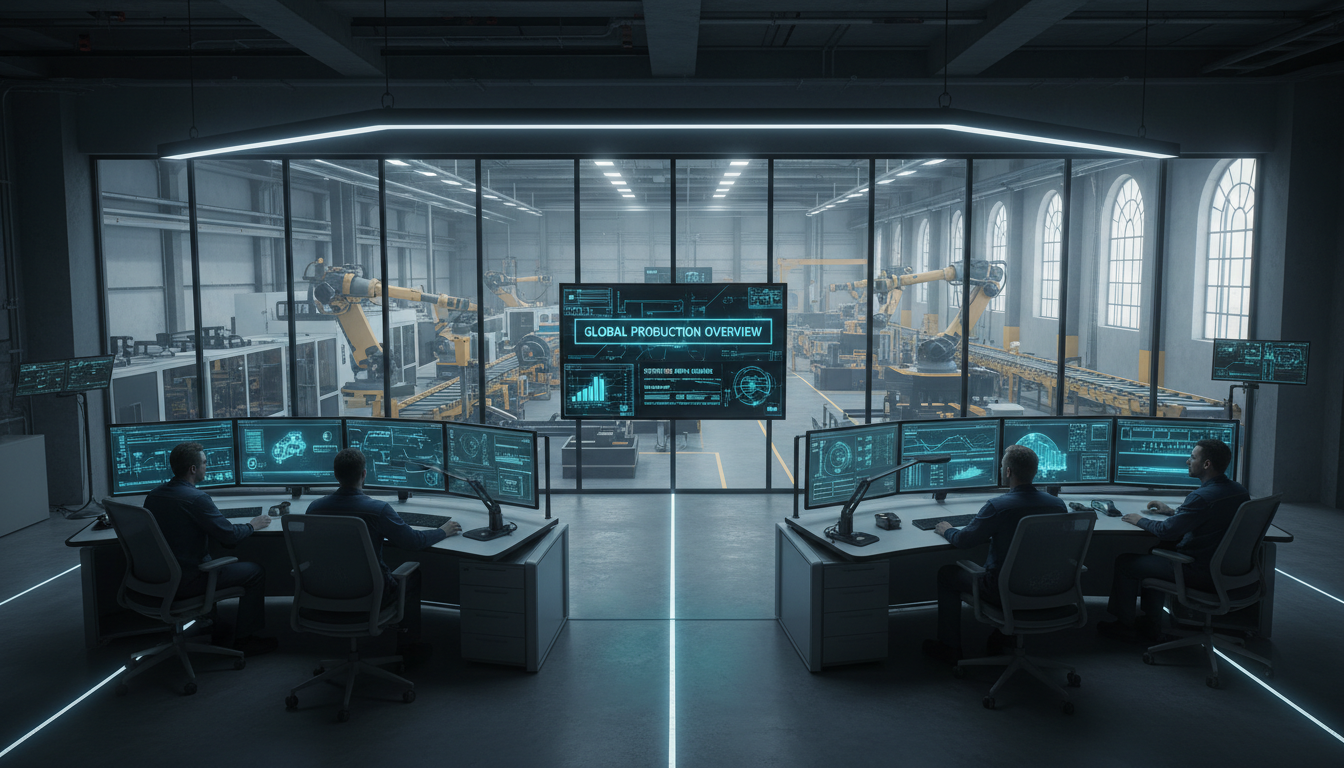
The primary difference in model-based vs digital work instructions lies in the integration of interactive 3D data; digital instructions typically convert paper manuals to electronic screens, while model-based versions utilize live CAD models for visual guidance. While digital instructions streamline documentation access, model-based workflows offer superior clarity for complex manufacturing tasks by allowing operators to manipulate and view parts from any angle.
Manufacturing teams often find themselves trapped between outdated paper processes and static digital files that fail to capture the complexity of modern engineering. While converting a manual to a PDF might technically qualify as a digital transition, it rarely solves the core problem of data silos or assembly errors on the shop floor. As product lifecycles accelerate, the gap between engineering intent and production execution continues to widen. This article explores the critical distinctions between standard digital work instructions and the more robust model-based approach. We will examine why static formats often fall short in high precision environments; furthermore, we will look at how leveraging 3D data directly from the source can transform your operational efficiency. You will learn the technical differences between these two paths and how to navigate the challenges of implementing a truly model-based workflow.
The Evolution of Shop Floor Documentation
For decades, the standard for shop floor communication was the heavy, three-ring binder. These paper manuals were cumbersome, prone to damage, and nearly impossible to keep synchronized across multiple production lines. The first wave of digital transformation in manufacturing aimed to solve this by migrating technical content to screens. This shift was a significant leap forward; it reduced physical clutter and improved basic version control by ensuring that the latest document version was accessible via a server. However, as the industry evolves, simply being digital is no longer the benchmark for excellence.
In the heart of San Jose, where cutting-edge software and hardware manufacturing converge, we are witnessing a critical divergence in how information is delivered to the factory floor. The industry has reached a fork in the road between static digital documents and dynamic, data-driven content. While a PDF viewed on a tablet is technically digital, it often inherits the rigid, non-interactive limitations of its paper predecessor. Conversely, model-based work instructions leverage rich CAD data to provide an immersive experience.
This distinction is the foundation of modern shop floor efficiency. Manufacturers must now evaluate the nuances of model-based vs digital work instructions to understand that not all electronic formats are created equal. The goal is no longer just to eliminate paper; it is to ensure that the assembly technician has the most intuitive and interactive data available to minimize errors.
Defining Traditional Digital Work Instructions
Traditional digital work instructions represent the first evolution beyond physical binders, typically manifesting as PDF documents, static images, or text-heavy spreadsheets displayed on a shop floor monitor or tablet. While this shift was a vital step in the digital transformation in manufacturing, it was largely a change in medium rather than a change in methodology. These documents effectively solved the primary paper problem; they eliminated the physical clutter of shop floor folders, protected instructions from grease and physical damage, and made basic version control easier to manage through centralized digital servers.
However, traditional digital files often suffer from the static problem. Because they are essentially 2D snapshots of a 3D reality, they remain rigid and unresponsive. A PDF is fundamentally a digital version of a paper manual; it cannot be rotated, interrogated, or manipulated by the technician to see a hidden fastener or a complex clearance. When evaluating model-based vs digital work instructions, it becomes clear that traditional digital formats still place a heavy cognitive load on the worker. The technician must mentally translate flat, 2D images and long paragraphs of text into the physical task at hand.
Furthermore, updating these static files is a manual, labor-intensive process. An engineer must capture new screenshots, rewrite text descriptions, and re-export the entire document package every time a design change occurs. This disconnect between the design data and the instruction format is the hallmark of traditional digital workflows. If your organization is struggling with the limitations of these static formats, you can contact our team in San Jose to discuss how to move toward more dynamic, data-driven documentation.
The Rise of Model-Based Work Instructions

Model-based work instructions (MBWI) represent the next stage of maturity in the digital transformation in manufacturing. Unlike traditional digital formats that rely on static snapshots, MBWI leverages 3D CAD data directly to create an environment where the documentation is as intelligent as the design itself. This approach shifts the paradigm from simply viewing a page to actively interacting with a functional assembly. It ensures that the rich data generated during the product development phase is not flattened and lost before it reaches the production line.
In a model-based environment, a technician is no longer a passive observer of a fixed image. They can rotate the component to inspect it from any angle, zoom in on minute details that might be obscured in a 2D rendering, and trigger exploded views to understand the spatial relationship between complex parts. This level of interrogation is impossible with a standard PDF or a static image. By putting the power of the 3D model into the hands of the shop floor worker, manufacturers eliminate the guesswork often associated with interpreting flat drawings or low-resolution photographs. This interactivity is a key differentiator when comparing model-based vs digital work instructions, as it allows the worker to see exactly how a part seats or how a harness is routed within a crowded chassis.
This technological shift is precisely where Canvas Envision provides its greatest value. We focus on bridging the gap between the sophisticated designs created in engineering and the practical needs of the factory floor. MBWI ensures that the visual clarity inherent in the original CAD file is preserved and made actionable for the person actually building the product. This direct line of communication reduces the translation error that often occurs when technical illustrators attempt to simplify complex engineering data for assembly manuals. If your team is ready to move beyond static images, you can contact our team in San Jose to learn more about implementing model-based work instructions that drive precision and efficiency.
Model-Based vs Digital Work Instructions: Key Technical Differences
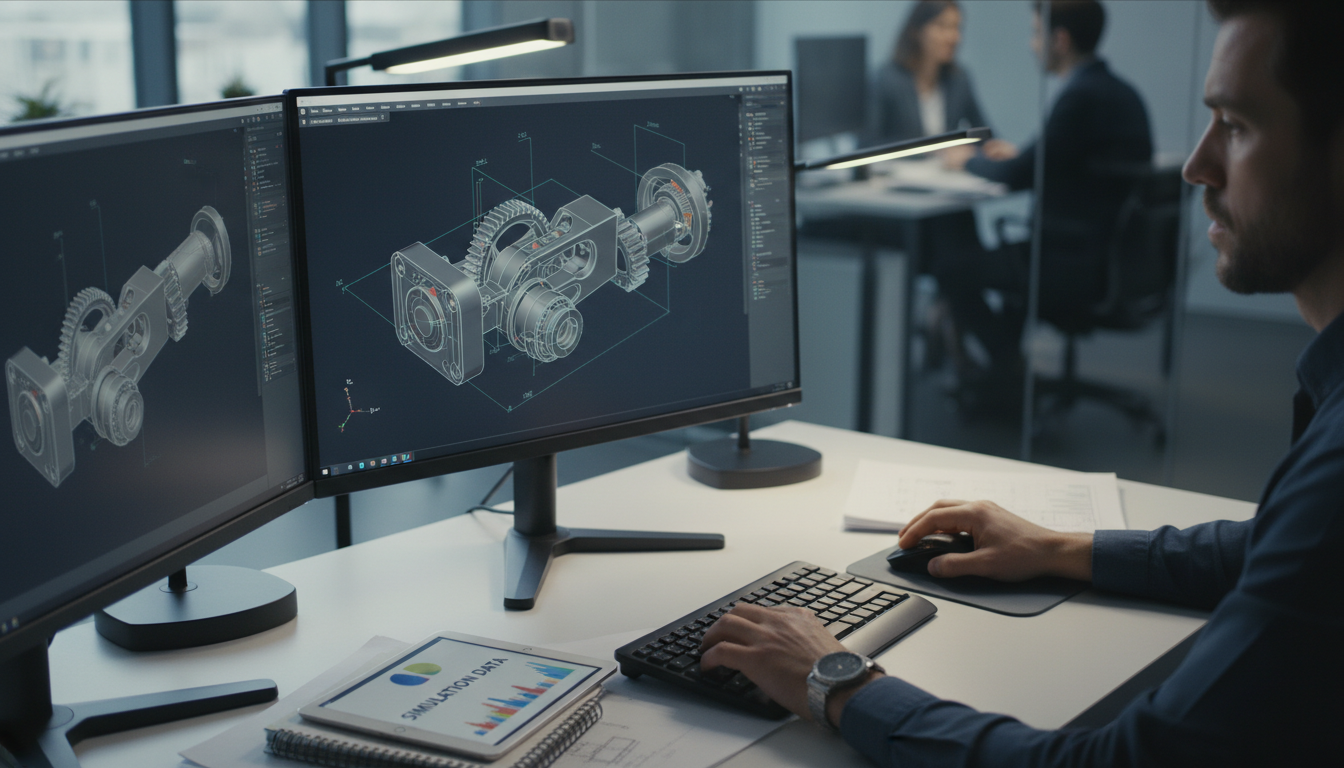
To understand the technical rift in model-based vs digital work instructions, one must look beyond the device and into the underlying data structure. While traditional digital instructions are screen-based, model-based instructions are data-driven. This distinction fundamentally changes how information flows from the engineering suite to the production line.
Technical Feature | Traditional Digital Instructions | Model-Based Work Instructions |
|---|---|---|
Interactivity | Static; limited to panning or zooming on a 2D plane. | Dynamic; allows rotating, exploding, and isolating 3D parts. |
Data Source | Isolated, exported files (PDF, PNG) disconnected from CAD. | Integrated with CAD/PLM data to maintain a single source of truth. |
Consumption | Passive reading and interpreting text and images. | Active experience through visual interrogation and manipulation. |
### Interactivity: Static vs. Dynamic In a traditional digital workflow, the interaction is limited to the boundaries of a flat file. If a technician views a PDF of a complex assembly and a wire harness obscures a critical fastener, they are stuck with that perspective. They must rely on their intuition or seek clarification. With model-based work instructions, the worker can rotate the 3D assembly, hide obstructing components, or trigger a pre-defined animation to see the exact insertion path. This moves the worker from being a passive observer to an active participant in the assembly process.
### Data Source: Isolated Files vs. PLM Integration Traditional digital formats rely on snapshots. Once an engineer exports a screenshot into a document, the link to the original design data is broken. If the design changes, the document is immediately obsolete. Model-based work instructions maintain the digital thread by pulling directly from CAD and Product Lifecycle Management (PLM) systems. This ensures that the metadata, part numbers, and geometries are always current, eliminating the risk of working from outdated technical drawings.
### Consumption: Reading vs. Experiencing Reading a 50-step PDF requires significant cognitive effort to map descriptive text to a physical object. This is a primary driver of digital transformation in manufacturing; moving away from interpretation and toward visual verification. Experiencing a model-based instruction set allows for real-time visual alignment between the screen and the physical part. This shift reduces the mental translation required of the technician, allowing them to focus entirely on precision. To see how these technical differences can be applied to your specific production environment, you can contact our team in San Jose.
Why Model-Based Instructions Outperform Static Digital Formats

The transition from flat screens to interactive 3D models directly addresses the most persistent challenges on the shop floor: quality control and the speed of worker proficiency. When comparing model-based vs digital work instructions, the primary advantage lies in the reduction of cognitive load. A technician viewing a 2D PDF must mentally project that flat image into a three dimensional space. This mental translation is a frequent source of error, particularly in high precision or complex assemblies where part orientation or hidden fasteners are critical. By providing a manipulatable 3D model, you remove the guesswork and allow the technician to align the digital model exactly with the physical part on their bench.
This clarity has a measurable impact on quality. Traditional digital files often lack the granularity needed for intricate tasks, leading to rework or scrapped parts. Model-based work instructions provide a visual truth that static images cannot replicate. Workers can isolate specific components or view transparent overlays to see internal assemblies. This transparency ensures that the assembly is right the first time, directly contributing to higher yields and lower cost of quality.
Furthermore, the evolution toward model-based content is essential for talent retention. In technology hubs like Silicon Valley, the modern manufacturing workforce expects sophisticated, intuitive interfaces. Providing antiquated, text-heavy PDFs can lead to frustration and lower engagement. Interactive tools that mirror the fluidity of modern software improve worker satisfaction and make the onboarding process significantly faster. New hires can reach peak productivity sooner because they are learning through experience rather than rote memorization of manuals.
Implementing these advanced visual aids is a cornerstone of digital transformation in manufacturing. It bridges the communication gap between the design office and the shop floor. If your organization is looking to reduce assembly errors and improve training outcomes, you can contact our team in San Jose to explore how transitioning to a model-based environment can modernize your production workflow.
Overcoming the Challenges of Transitioning to Model-Based Workflows
Transitioning from legacy systems to a model-based environment often presents a perceived steep learning curve. After years or decades of relying on printed sheets or static PDFs, shop floor personnel may feel overwhelmed by interactive 3D interfaces. Overcoming this friction requires more than just deploying hardware; it necessitates a strategic change management plan. The first step is acknowledging that the barrier to entry is often lower than anticipated when using the right tools.
To move from static digital to model-based workflows without disrupting production, start with a phased implementation. Identify a single complex sub-assembly where errors or rework rates are historically high and pilot the model-based work instructions there first. This targeted approach allows the team to see immediate value without the risk of a facility-wide overhaul. Practical training sessions should focus on the utility of interactivity, demonstrating how the ability to rotate a model replaces the need to interpret a dozen different 2D views.
A significant portion of the challenge lies in content creation. Traditionally, only engineers with expensive CAD licenses and specialized training could manipulate 3D data, creating a massive bottleneck for documentation. Canvas Envision removes this hurdle by empowering non-engineers, such as technical illustrators and shop floor leads, to create high-quality, interactive content directly from existing CAD files. By making the creation process as intuitive as standard office software, organizations can scale their digital transformation in manufacturing efforts without requiring every author to be a CAD expert. If your team is navigating the complexities of model-based vs digital work instructions, you can contact our team in San Jose to discuss a roadmap that balances technical innovation with operational stability.
The Future of Digital Transformation in Manufacturing
The long term trajectory of digital transformation in manufacturing points toward a completely unified digital thread. As Industry 4.0 principles become the standard, the ability to maintain real time synchronization between the engineering office and the production line is a competitive necessity rather than a luxury. Organizations that continue to rely on static files will find themselves hindered by manual update cycles and information silos that slow down time to market.
The ultimate goal of this evolution is to ensure that the single source of truth resides within the 3D model itself, making it accessible and actionable at every stage of the product lifecycle. When comparing model-based vs digital work instructions, the primary distinction lies in this connectivity. Solutions like Canvas Envision enable a seamless flow where design iterations are reflected on the shop floor without delay, removing the lag time that traditionally leads to costly errors or wasted material.
This synchronization reduces administrative overhead and ensures that the most current engineering data guides every assembly. For manufacturers in highly competitive landscapes like San Jose, adopting model-based work instructions is a vital step toward achieving the agility required for modern production. To discuss how to align your engineering data with your factory floor operations, you can contact our team in San Jose.
Selecting the ideal approach between model-based and digital work instructions ultimately depends on your specific manufacturing requirements and long-term digital strategy. Both paths offer significant improvements over traditional methods; however, the best choice aligns with your existing technical infrastructure. If you want expert help determining which solution fits your shop floor, our team is here to guide you. You can learn more about our approach to modernizing technical documentation to ensure your transition is seamless and effective.